 keypeek
KeyPeek press kit
Everything you need to write about KeyPeek: descriptions you can paste, facts you can check, a short clip, screenshots, the icon, and a human to email. Review keys on request.
Describe it
One line. KeyPeek is a macOS menu-bar utility: hold the Command key and see every menu command and keyboard shortcut of the app you're in.
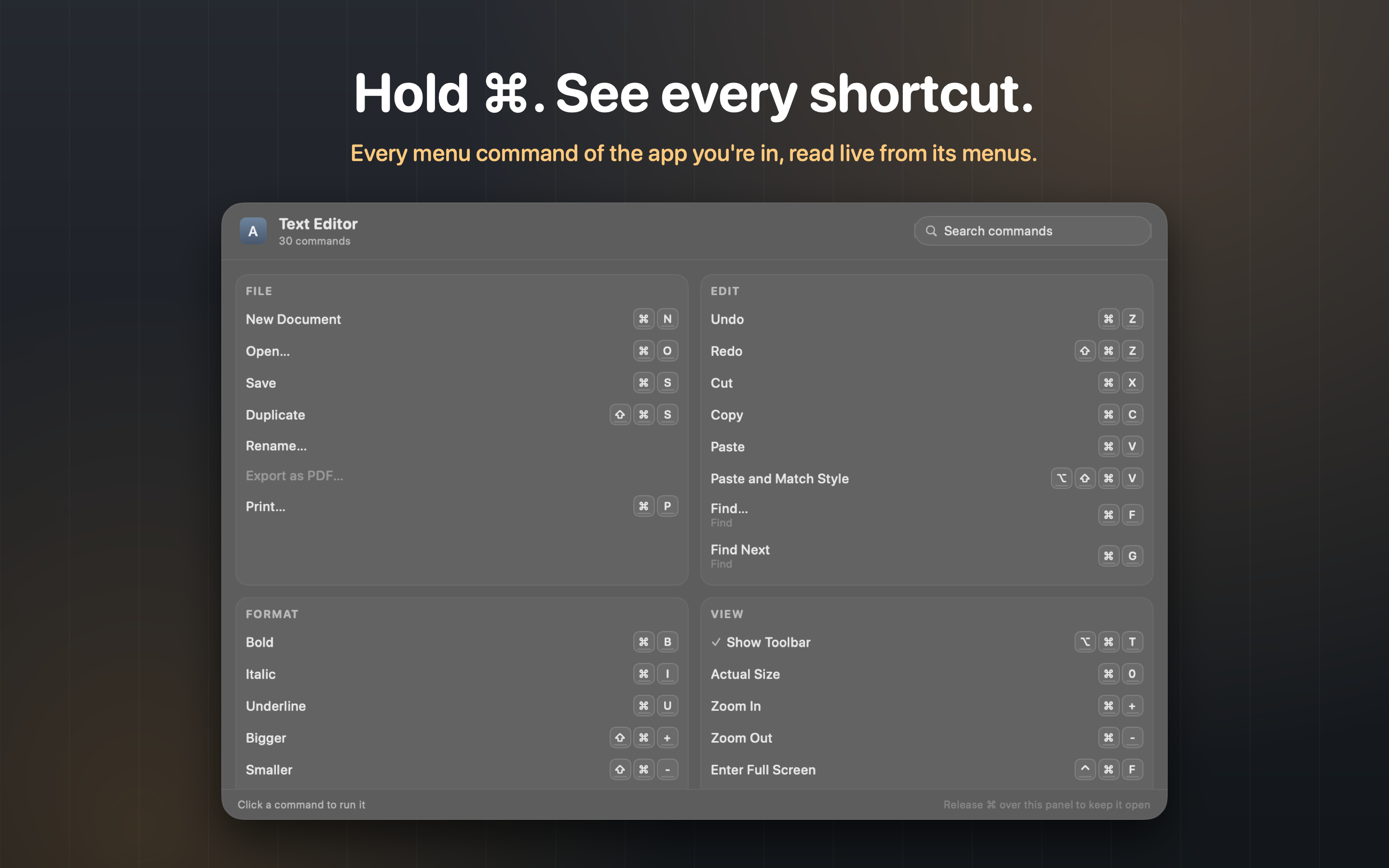
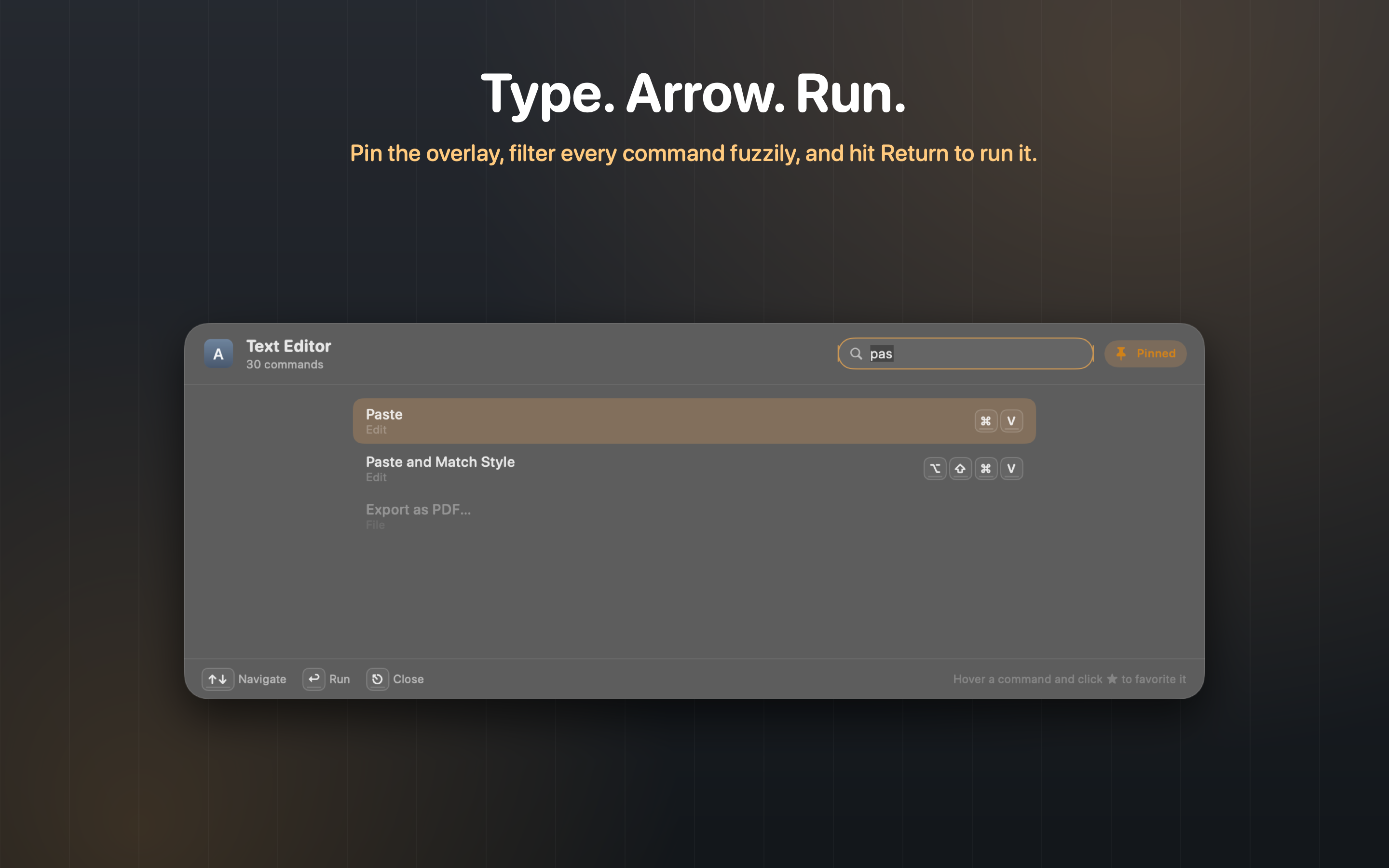
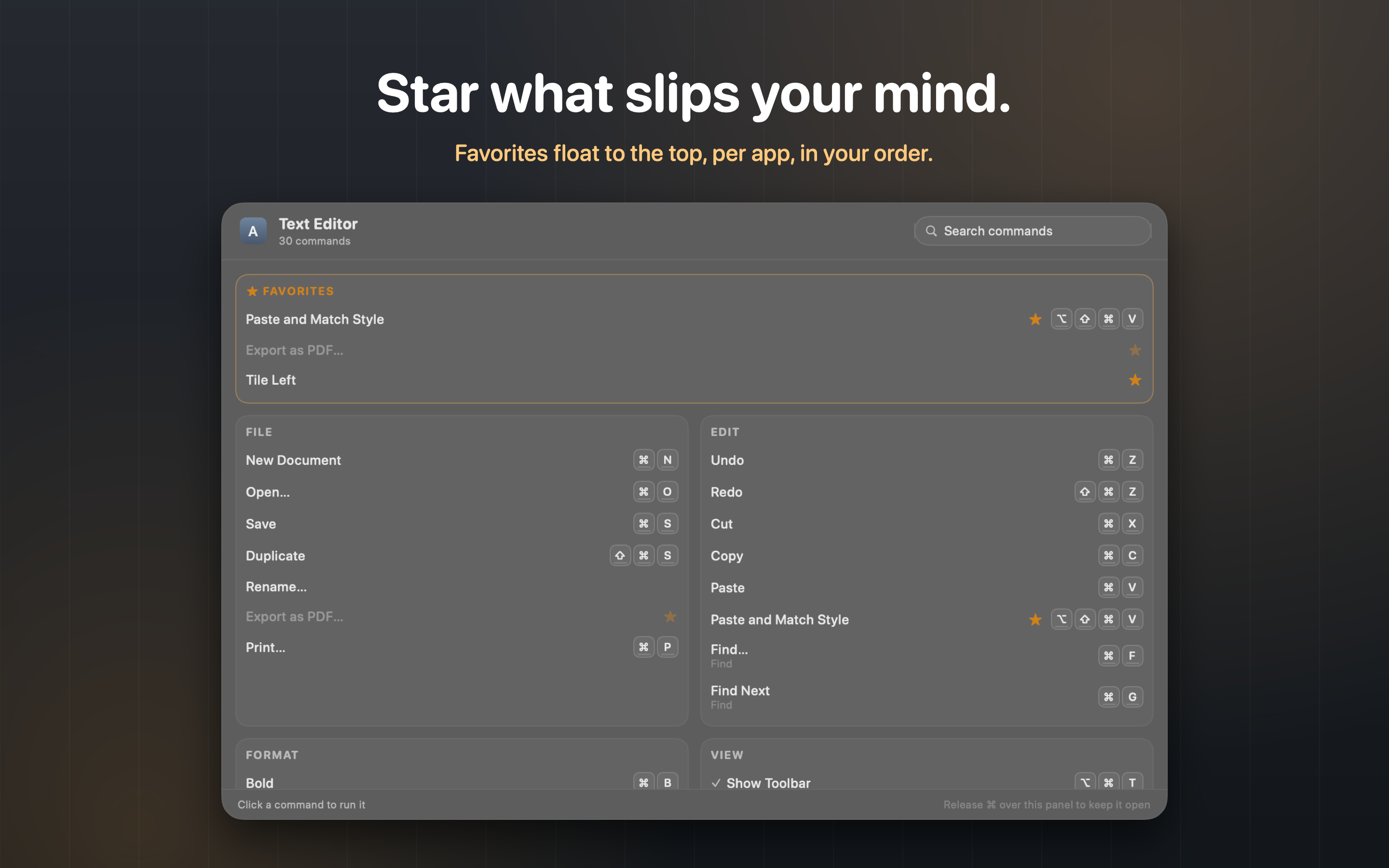
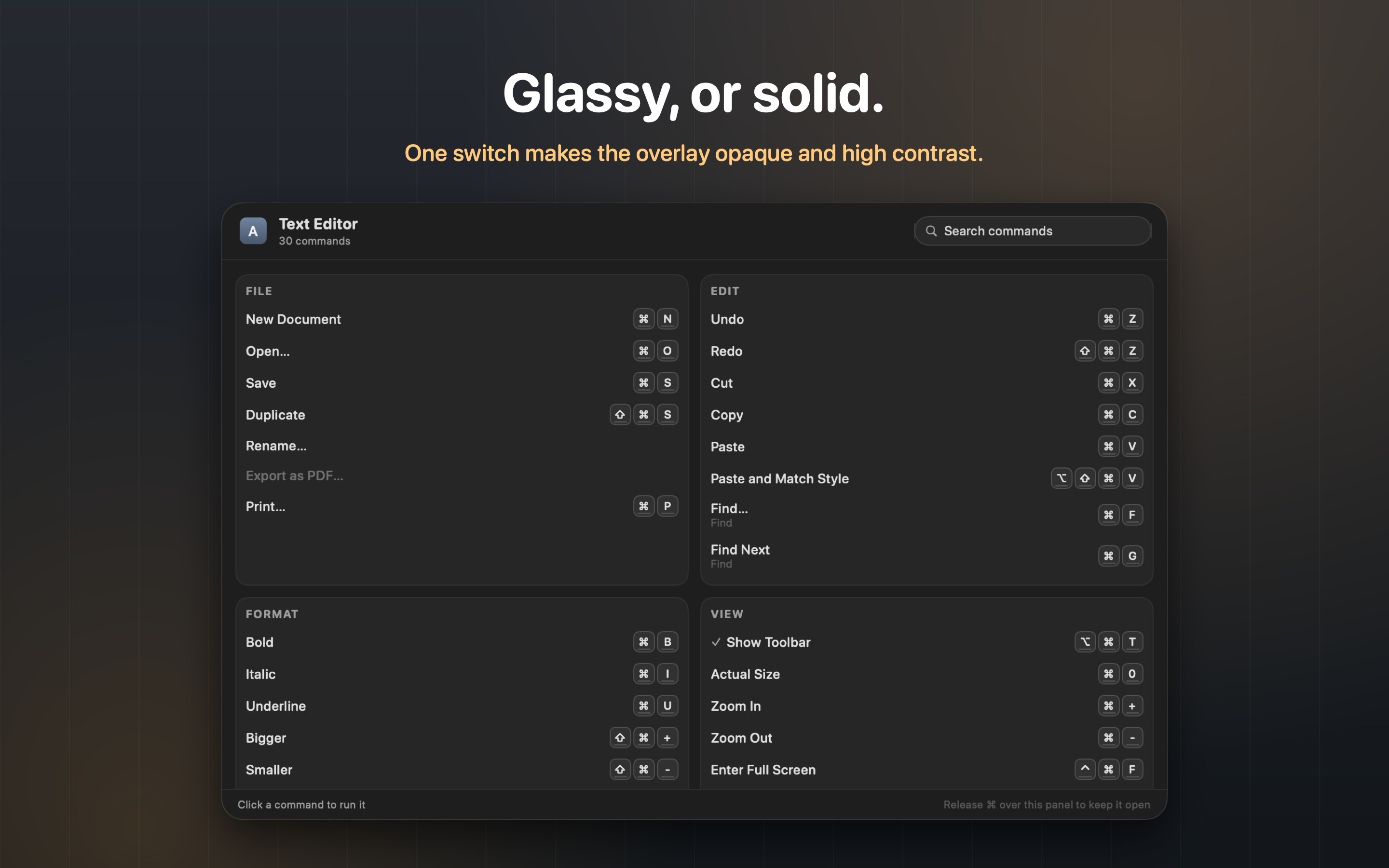
Short. Hold the Command key for a moment and KeyPeek lays every command and shortcut of the frontmost app on screen, read live from its menus and grouped the way they are in the menu bar. Release the key and it's gone. Release it over the panel instead and the panel stays: type to search, press Return to run the command, star the ones you keep forgetting. One-time purchase, 7-day free trial, no account, no network.
Long. KeyPeek shows you everything the app you're using can do. Hold the Command key for a moment and an overlay appears with every menu command and keyboard shortcut of the frontmost app, read live from its real menus. Glance, learn the shortcut, release the key, and it's gone. No clicks, no setup, and nothing new to memorize: the trigger is a key you already press a hundred times a day. Release over the panel and it becomes a command palette for that app: fuzzy search across every command, arrow keys to choose, Return to run it, including commands that never had a shortcut. Star the shortcuts that refuse to stick and they float to the top for that app. KeyPeek asks for exactly one permission, Accessibility, and uses it only to read the front app's menu bar and run the command you pick. No account, no analytics, and no network.
Facts
- Name
- KeyPeek
- Developer
- Alec Summers, independent
- Launched
- August 27, 2026 (version 1.0)
- Price
- $7.99, one-time. No subscription. A license covers up to three Macs you own.
- Trial
- 7 days, fully unlocked, no account or card
- Requires
- macOS 13 or later, Apple silicon or Intel
- Distribution
- Direct from keypeek.app as a notarized disk image; licenses via Lemon Squeezy
- Permissions
- Accessibility only
- Network
- None, except the version check you trigger yourself from Check for Updates
- Languages
- English, German, French, Spanish, Italian, Portuguese, Japanese, Korean, Simplified Chinese
- Download
- KeyPeek-latest.dmg
Why Accessibility, and why not the App Store
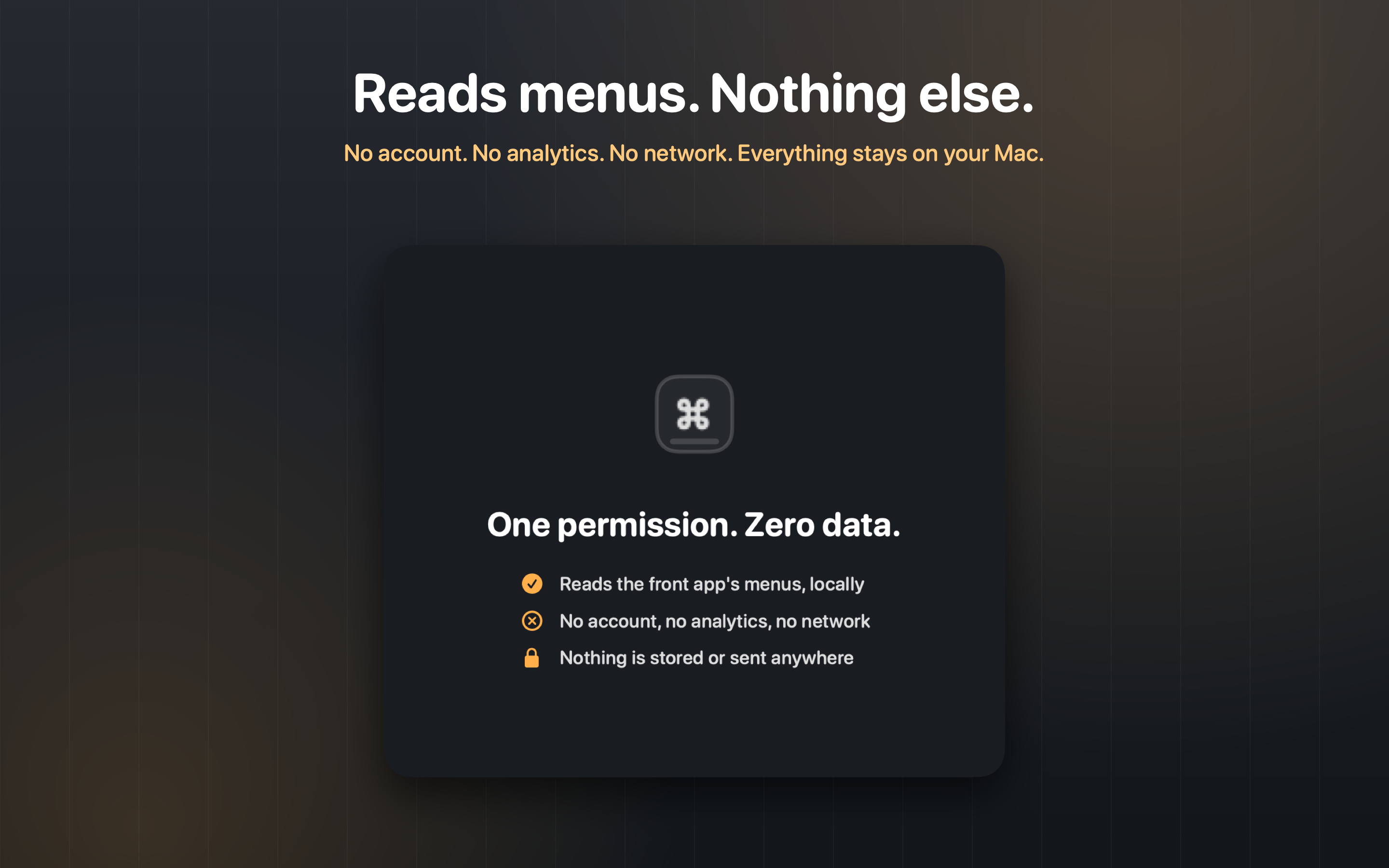
KeyPeek reads the menu bar of whatever app is in front and, when you pick a command, presses that menu item for you. Both of those go through macOS's Accessibility API, the same one screen readers use, which is why the app asks for the Accessibility permission on first launch and nothing else.
Apple does not allow that API inside the App Store sandbox, so an app that does what KeyPeek does cannot be sold on the Mac App Store. That is why KeyPeek is sold directly: a Developer ID signed and notarized download, a full 7-day trial, and a license key that verifies on your Mac and works offline. The trade-off is one that every utility in this category makes.
Video
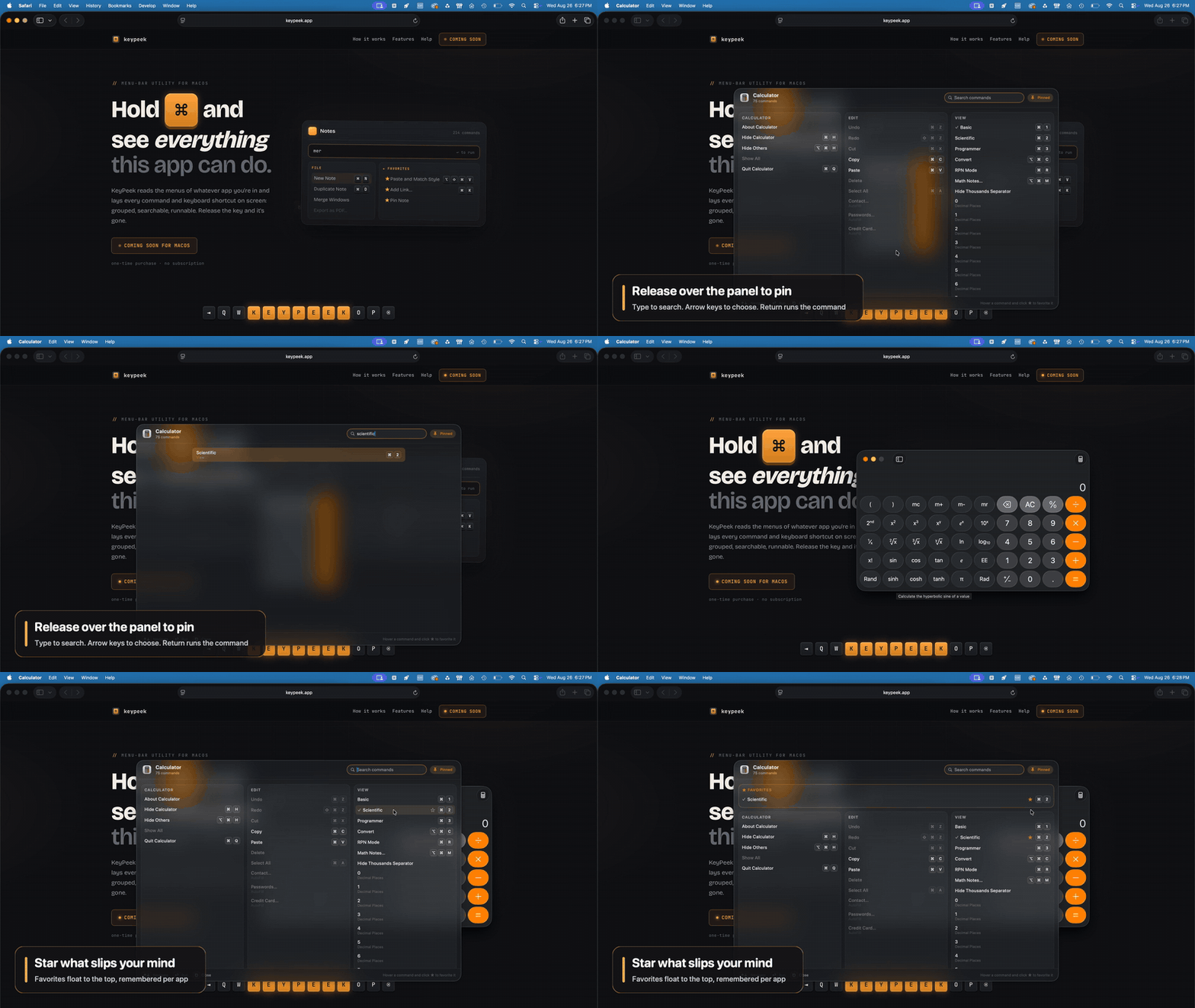
A 21-second clip of the whole idea: hold, peek, pin, search, run, star. Silent, 1920x1080, H.264. Use it as is or cut it further.
- Clip, 1920x1080 MP4
- Clip, 1280x720 MP4 (for social)
- Clip as GIF (under 3 MB, for forums and email)
- Full 54-second demo with title and end cards
Screenshots
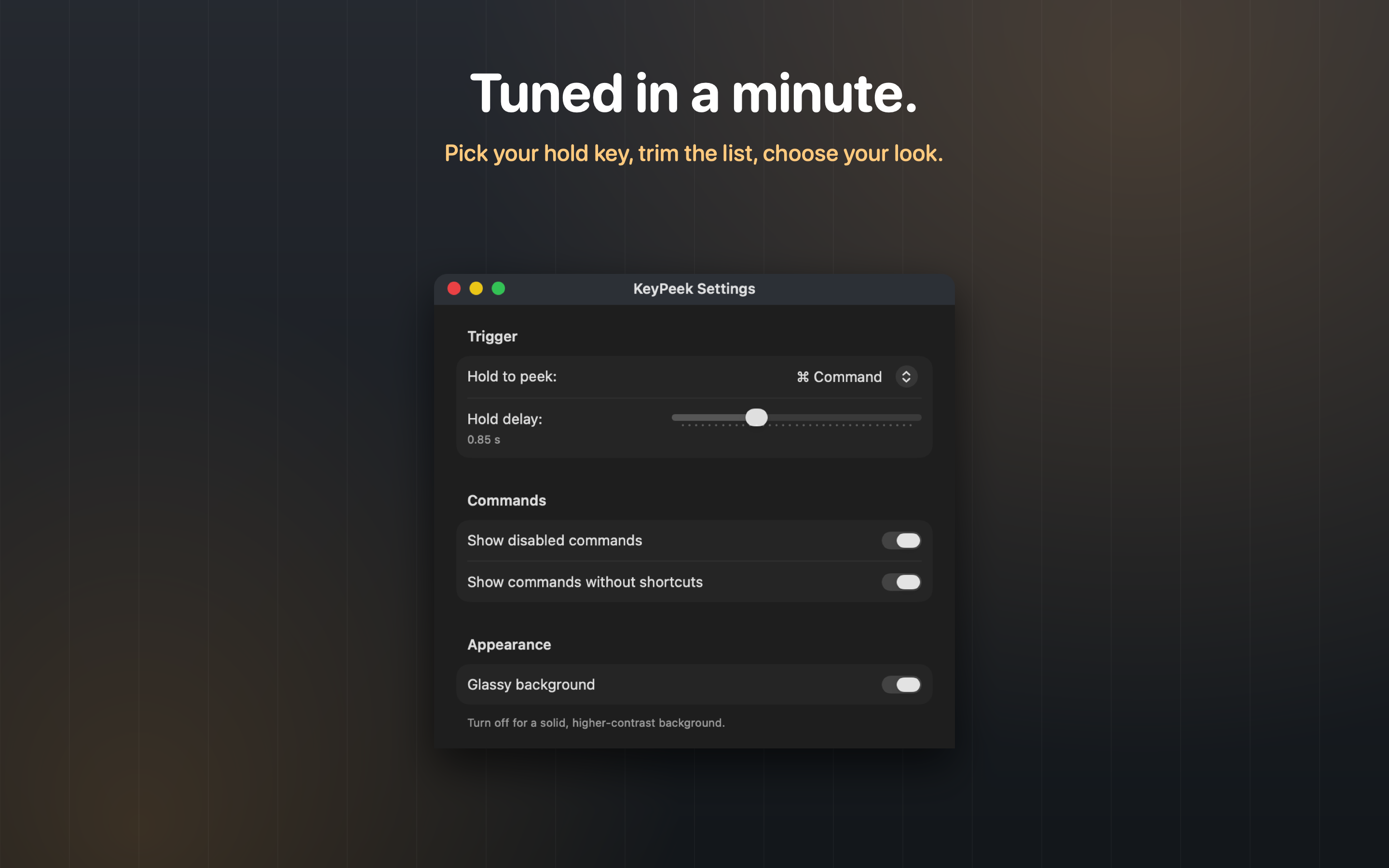
Six screenshots at 2880x1800 (a 16:10 Mac display at 2x). Click any for the full-size PNG. The overlay is shown on its glassy background and on the solid, high-contrast alternative.
Icon
The KeyPeek icon is an amber Command keycap. Please don't recolor, rotate, or add effects to it.
Everything in one download
keypeek-press-kit.zip: descriptions and facts as a text file, both clips, the GIF, all six screenshots, and the icon.
Review copies & contact
Reviewers and creators: email support@keypeek.app with your outlet and you'll get a license key the same day. Questions, interviews, and anything you'd like added to this page go to the same address. A human reads every message.
Alec Summers is an independent developer who builds small, focused Mac utilities. KeyPeek started as the tool he wanted while learning a new app's shortcuts and finding that the answer was always buried in the menus. More at alecsummers.com.
Everything on this page may be used in coverage of KeyPeek without asking.